

Focus sessions: a timer against constant task switching
Jumping between tasks feels busy but leaves work half done. A timer, one task per session and short breaks help you finish what you start.

You sit down to write a proposal. Five minutes in, you check a message. It reminds you of an invoice, so you open the invoice. While it loads, you glance at the team chat. Twenty minutes later the proposal has two new sentences, and you feel tired without having done much.
This is context switching, and almost everyone does it. Each switch has a cost that is easy to miss: you have to put down one task, pick up another, remember where you were and get back into it. Do that thirty times a day and a large part of the day goes to switching rather than working.
You cannot remove interruptions completely, but you can make focus the default for part of your day. A simple and old tool helps a lot: a timer.
Why a timer works
A timer turns a vague intention ("I'll focus on this for a while") into a clear agreement with yourself: one task, until the timer ends. It helps in three ways.
- It makes starting easier. Twenty-five minutes on a hard task sounds possible in a way that "finish the proposal" does not.
- It gives distractions a place to wait. When something comes up mid-session, you do not have to decide about it now. Write it down and deal with it when the session ends.
- It shows you the truth about your time. After a week of timed sessions, you know how long things really take, which makes every later plan more honest.
The best-known version is the Pomodoro technique: twenty-five minutes of work, then a five-minute break, and a longer break after four rounds. The exact numbers matter less than the rhythm. Some people work best in fifty-minute blocks, others in fifteen. Try a length for a week, then adjust.
How to run a focus session
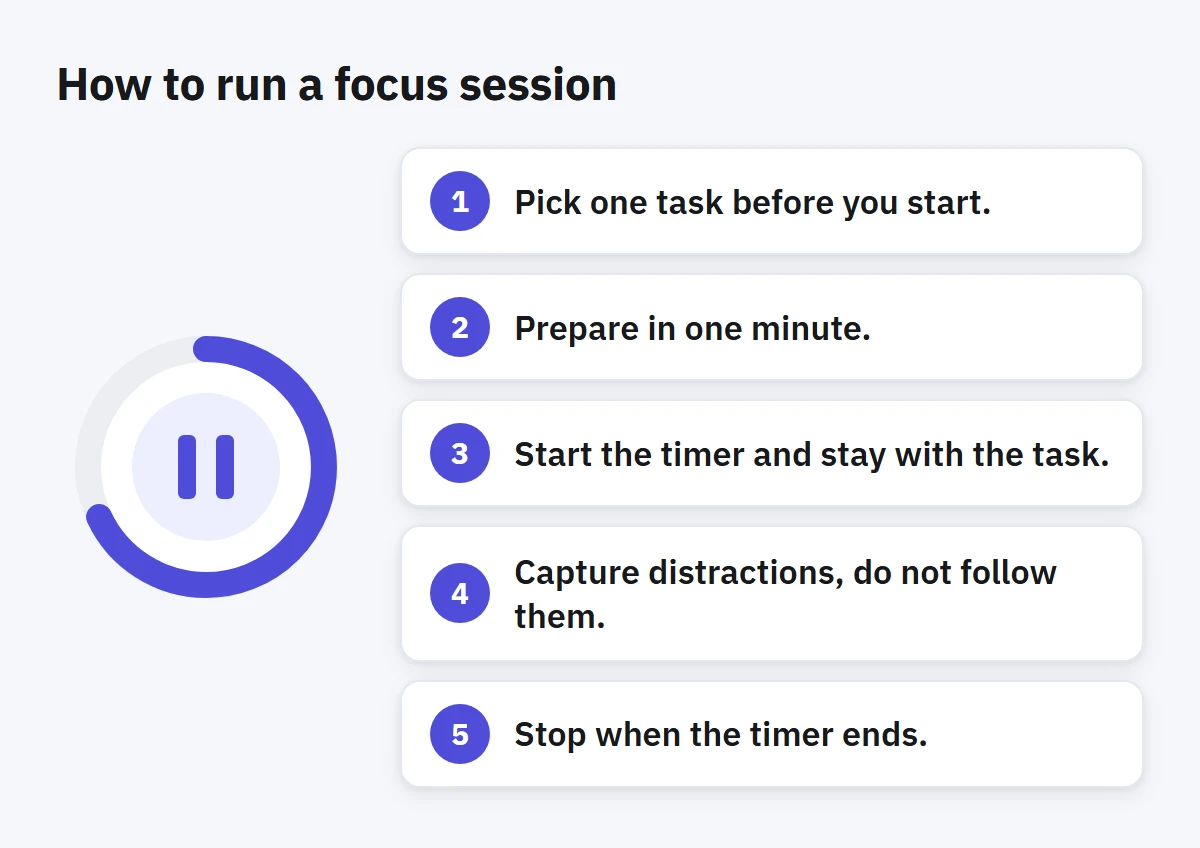
- Pick one task before you start. Not a project, a task you can make visible progress on in one session. If the task is too big, pick its first step.
- Prepare in one minute. Open what you need, close what you do not. Silence notifications you can silence. Put your phone out of reach if you can.
- Start the timer and stay with the task. If you get stuck, stay stuck on this task for a while. Struggling with a hard part is often the work itself.
- Capture distractions, do not follow them. A thought about another task goes on your list in a few words, and you return.
- Stop when the timer ends. Take a real break: stand up, look away from the screen, get some water. Then decide whether to do another session on the same task or switch on purpose.
Switching on purpose
Focus does not mean never switching. It means switching at moments you choose rather than every time something blinks. A good pattern for many people is to alternate: a focus session on important work, then a short block for messages and small tasks, then another focus session.
If your job requires being reachable, agree on it with your team. "I answer messages at the top of each hour" works better than being half available all the time. Most messages can wait thirty minutes. The ones that cannot usually come by phone anyway.
When sessions keep failing
Some days you will not get through a single session without breaking it. Look for the cause rather than blaming yourself:
- The task is unclear. If you do not know the next step, you will look for something easier. Spend the first session deciding the next steps instead.
- The session is too long. Shorten it. Ten honest minutes beat forty distracted ones.
- The environment is fighting you. A noisy room or an open chat window will win against willpower. Change one thing, not everything.
- You are tired. Focus is a limited resource. Put the demanding sessions in your best hours and keep the routine tasks for later.
Look at the numbers, gently
Timing your work produces data, and it is tempting to grade yourself with it. Resist that. The point of tracking time is to plan better, not to prove you worked hard enough. If a weekly report shows you spent four hours on a task you estimated at one, that is useful: next time, estimate four.
How to do this in Enjazy
Every task in Enjazy has its own timer. Start it from the task, and the task moves to In progress; pause or stop it, and the time is recorded on the task. Give a task an estimate, and you can compare your recorded time with it.
Focus sessions (in the Pro plan) work in the Windows and Android apps and in the browser, where you start one from a task’s Time card. In the Windows and Android apps you set your session length in Settings, under Focus and time. When a session ends, Enjazy stops the timer, and the apps also notify you, which is your cue to take the break. On Windows you can also pause the timer automatically when you step away: choose how many minutes of inactivity count as idle, and when you come back, decide whether to keep or discard that time.
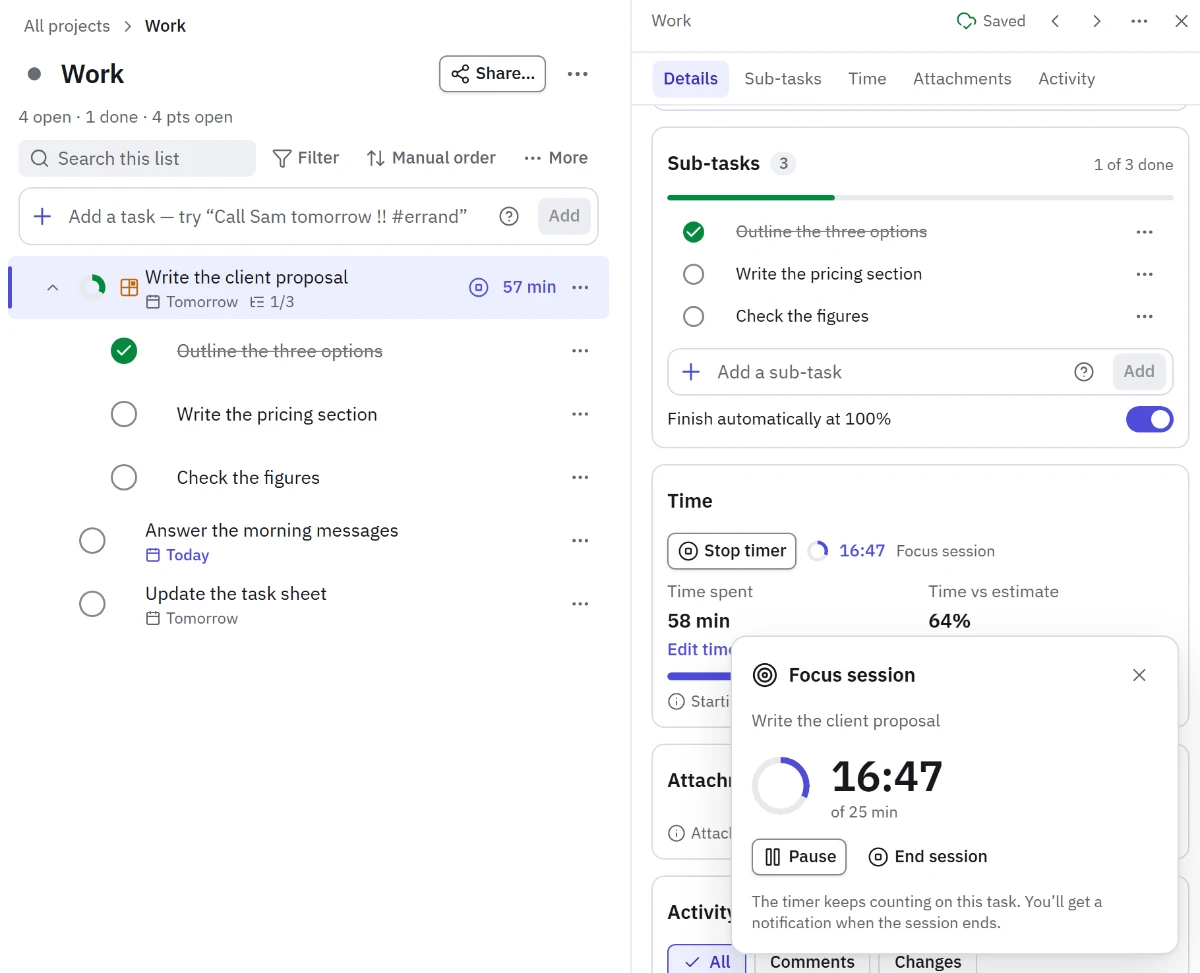
On Windows, the separate Timer window (in the Pro plan) keeps the running timer visible while you work in other apps, and the Compact window keeps your list beside your work, so you can capture a stray thought without leaving the session. Later, the Dashboard (also in Pro) compares time spent with your estimates, which is where the honest numbers pay off.